Jackie™
the AI receptionist at your practice
She answers your surgery’s phones straight away, so you’re not left waiting.
What Jackie is
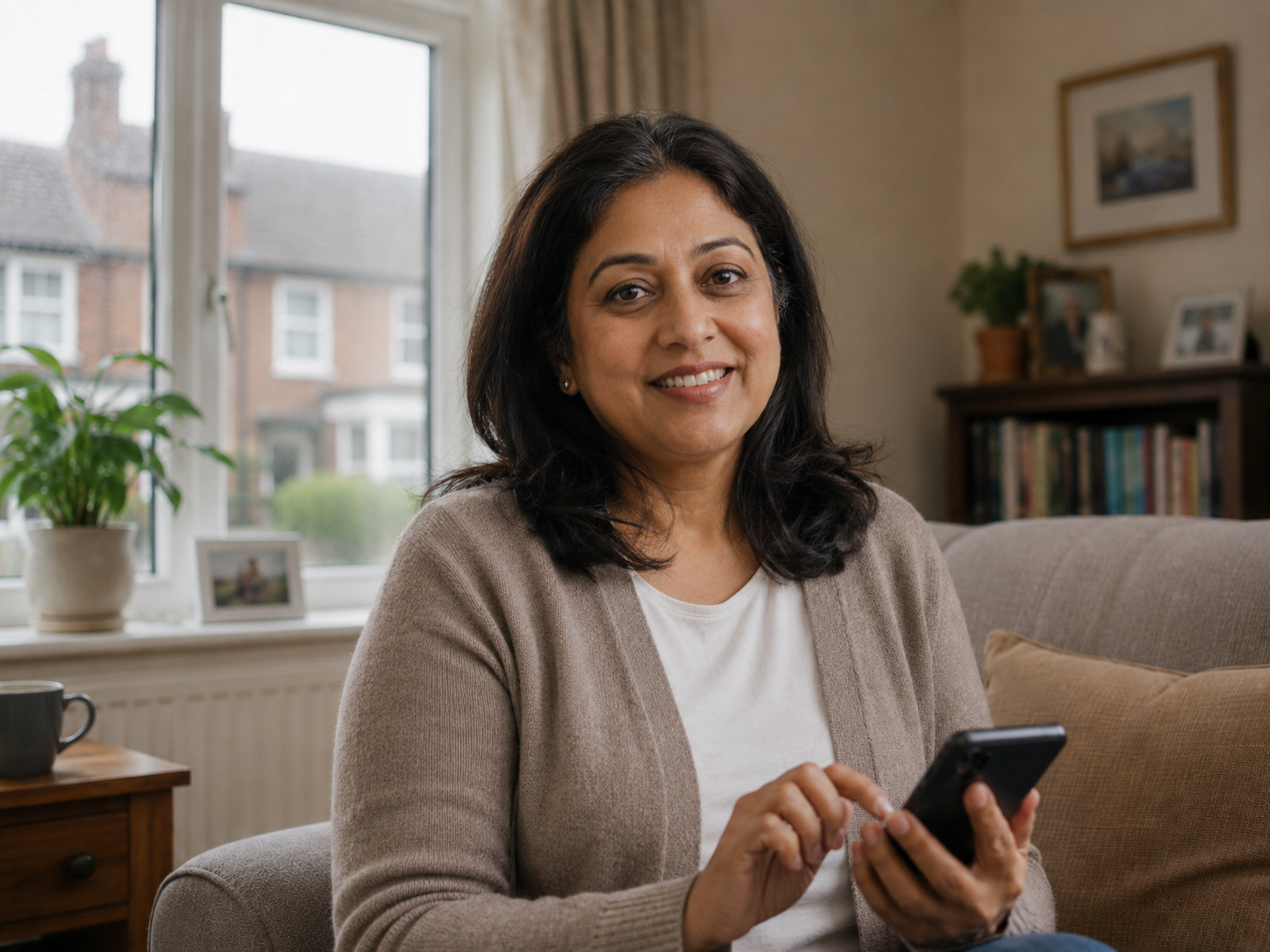
Jackie is an AI receptionist that answers calls at your GP practice.
She will ask why you are calling, listen to what you tell her, and ask follow-up questions so your practice has the right information to handle your request.
Hear what Jackie sounds like
Listen to example calls with Jackie.
You can always speak to a person.
If you’d prefer to speak to someone, just tell Jackie and she’ll connect you to the reception team.
Your information stays with your GP practice.
Anything you tell Jackie is shared only with the appropriate team at your surgery.
In a medical emergency, call 999 or go to A&E.
Your GP surgery line is not for emergency help. If you mention symptoms that may need urgent care, Jackie may pass you to reception, and advise you to seek it if you cannot wait.
What Jackie can help with
Jackie can help your practice collect information for common requests, including:
- Appointment requests, including information about your symptoms
- Routine care, such as smear tests or blood tests
- Medical letters — for work, driving, housing, or other official purposes
- Referral status queries
- Fit note requests, including new fit notes and extensions
- New patient registration information
- Repeat prescription renewal requests
In some cases, Jackie may also be able to book certain routine appointments directly, depending on what your practice has made available.
How do I use Jackie?
Speak to Jackie in the same way you would speak to a receptionist at your GP practice.
You can explain what you need in your own words. Jackie will listen and ask follow-up questions if she needs more information.
Speaking to an AI receptionist the way you would to a person may feel a little unusual at first, but full sentences help Jackie understand your request — just as they would help a human receptionist. For example, instead of saying “appointment”, you could say:
“I’d like to book an appointment because I’ve had a cough for two weeks.”
Instead of saying “prescription”, you could say:
“I’m calling because I need to renew my repeat prescription.”
The more clearly you explain what you need, the easier it is for Jackie to collect the right information for your practice.
How Jackie handles your information
Jackie only collects the information your GP practice needs to handle your call, and uses it to help your practice understand your request and decide what should happen next.
- Only your practice sees it
Shared with the right team at your surgery, just as it would be with a receptionist.
- Never used to train AI
Your information is only ever used to handle your call for your practice.
- Encrypted throughout
Protected while you’re speaking to Jackie and once it’s stored.
- Stored in the UK
Held in the UK and handled to NHS standards for patient information.
Built to NHS standards
- DCB0129 compliant · DCB0160 aligned
- DTAC
- NHS DSPT
- Cyber Essentials Plus
- ISO 27001 aligned
- UK-hosted, GDPR-compliant
Why your practice is using Jackie
Many GP practices receive a large number of calls, especially first thing in the morning. This can mean patients have to wait in a queue, keep ringing back, or wait for a call back.
Your practice is using Jackie to help more patients get through and explain what they need.
Jackie can answer calls, collect the right information, and pass requests to the appropriate team. This helps the practice manage calls more efficiently and reduces the need for every request to wait in the same phone queue.
What changes for you
- 01 Your call is answered straight away.
Jackie answers when you call, so you can start explaining what you need — no waiting in a long phone queue.
- 02 You can explain things by phone.
Not every request is easy to put into an online form. With Jackie, you can explain what you need in your own words.
- 03 The right information is collected early.
Jackie asks the questions your practice needs to understand your request, so it can be passed to the right team with the right details.
- 04 Some routine requests may be handled more quickly.
For some routine requests, Jackie can collect what your practice needs without you speaking to a receptionist first. In some cases she may also book directly, depending on what your practice offers.
What about older patients?
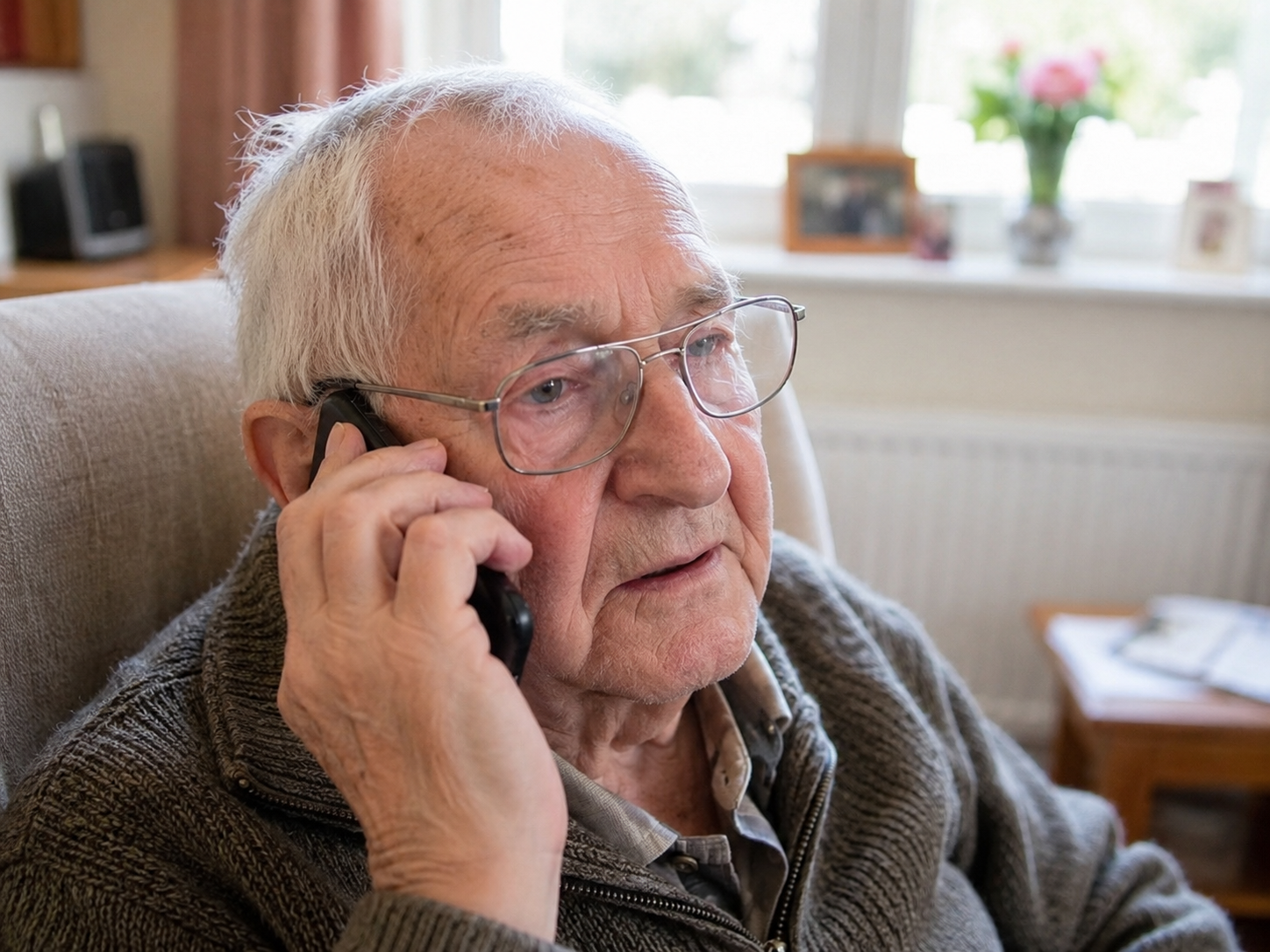
Families sometimes worry that an older relative will find Jackie difficult to use. That is completely understandable.
In reality, Jackie performs particularly well with older patients — they report higher satisfaction than the average patient. Many find her calm and patient. She repeats anything they ask her to, and does not make them feel rushed or as though they are holding up a queue.
Because Jackie works by phone, patients do not need a smartphone, an app, a password, or an NHS login. For anyone who finds online forms difficult, speaking to Jackie can be a simpler way to contact the practice.
The patient explains what they need, and Jackie asks the questions the practice needs answered.
If they would rather speak to a person, they can ask Jackie at any time and she will connect them to the reception team.
Frequently asked questions
When you call
What happens when I call my surgery?
You call the same number as usual. Jackie may answer the phone.
She’ll greet you, ask why you’re calling, and you can explain what you need in your own words. Jackie may ask a few follow-up questions to collect the details your practice needs.
Before the call ends, Jackie will tell you what happens next. Depending on your request, she may book an appointment, pass a note to a GP, send a prescription request to the pharmacy team, or let you know that someone from the practice will call you back.
After the call, you may receive a text message with a link to leave feedback, if you’d like to.
What if Jackie doesn’t understand me, or I don’t understand her?
If Jackie does not understand something, she will ask you to repeat it or say it in a different way. She will not guess.
You can also ask Jackie to repeat herself or explain something differently.
If the conversation is not working, Jackie will pass you to the reception team rather than keep trying. Some patients may find Jackie easier to follow because she can repeat things clearly and does not mind being asked again.
Does it cost any more to call Jackie?
No. You’re calling your practice’s normal number, so it costs exactly what calling reception always has.
Will I always get Jackie when I call?
Not always. It depends on how your practice has set Jackie up.
Some practices use Jackie to answer all calls during opening hours. Others use her only for certain types of call, or give patients a choice at the start of the call.
To find out how Jackie works at your practice, check your practice website or ask the practice directly.
Your right to a human
Can I speak to a receptionist instead?
Yes. You can ask to speak to a receptionist at any time, and you do not need to give a reason.
When Jackie answers, you can say “I’d like to speak to a person”, “Can you put me through to reception?”, or “Human please”. Jackie will connect you to the reception team, though you may need to wait if the phone lines are busy.
You can also ask Jackie to repeat something or explain it differently. Some patients who feel unsure at first find that Jackie is easy to talk to once the call begins.
Safety and emergencies
What if it’s an emergency, or I’m in distress?
The GP surgery line is not for emergency help. If you know it is a medical emergency, hang up and call 999 immediately or go to A&E — do not wait to speak to Jackie or anyone at the surgery.
Jackie is designed to listen for signs that a caller may need urgent help or may be in distress. If something you say sounds concerning, Jackie will stop the routine conversation and explain what she has noticed. She may advise you to call 999 or go to A&E if you cannot wait on the line, or she may transfer you to the reception team.
If you are upset, anxious, or struggling to explain what you need, you can say “I need to speak to a person” at any time. Jackie will connect you to the reception team, though you may need to wait if the phone lines are busy.
I’m worried about AI being used in healthcare. Should I be?
It is understandable to have questions about AI in healthcare. Jackie has been built for a very specific role: helping with administrative calls to your GP practice.
Jackie does not diagnose conditions, give medical advice, or decide how urgent your problem is. Clinical decisions are always made by the people at your practice.
Jackie has been developed in line with NHS clinical safety standards, including DCB0129 and DCB0160. These standards require suppliers and healthcare organisations to look carefully at how software could affect patient safety, what has been done to reduce those risks, and what controls are in place.
Jackie’s clinical safety work has been reviewed by registered Clinical Safety Officers. This includes looking at how Jackie handles calls, when she should transfer a caller to the practice team, and how she responds if something sounds urgent or concerning.
If you do not want to speak to Jackie, you can ask to speak to a person at any time.
Does Jackie diagnose conditions or give medical advice?
No. Jackie is not a clinical tool.
She does not diagnose conditions, give medical advice, or decide how urgent your problem is. Her role is to collect information about your request and pass it to the right person at your practice.
Clinical decisions are made by the appropriate team at your practice, based on the information Jackie collects and anything else they know about your care.
If you ask Jackie a medical question, she will not try to answer it. She will explain that she is a receptionist, not a clinician, and either record your question for the practice or connect you to the reception team.
What clinical safety standards does Jackie meet?
Jackie has been developed in line with NHS clinical safety standards for digital systems used in healthcare.
The main standards are DCB0129 and DCB0160. These require clinical safety risks to be identified, documented, reviewed, and managed before and during use.
DCB0129 applies to the manufacturer of the system. For Jackie, this means Auxilis has produced a Clinical Safety Case, including a Hazard Log, the controls in place to reduce risk, and an assessment of any remaining risk. This work has been developed under the supervision of a named, registered Clinical Safety Officer.
DCB0160 applies to the organisation using the system. This means your GP practice is responsible for considering how Jackie is used safely in their own setting, including how calls are handled and when information is passed to the practice team.
Jackie also meets wider NHS and information governance requirements, including the NHS Digital Technology Assessment Criteria, the Data Security and Protection Toolkit, Cyber Essentials Plus, and information security management aligned with ISO 27001.
Your practice can provide more information about the safety and information governance documentation for Jackie.
Your data
Is it safe to share my health information with Jackie?
Yes. Jackie is built to meet the NHS standards that apply to software handling patient information.
Your information is encrypted while you are speaking to Jackie and when it is stored. It is hosted on Microsoft Azure servers in the UK, and the data is stored in the UK.
Your GP practice remains in charge of your information. Auxilis processes it only on behalf of your practice, under a formal agreement.
Jackie is designed in line with NHS clinical safety standards, the NHS Data Security and Protection Toolkit, Cyber Essentials Plus, and UK GDPR. Auxilis is registered with the Information Commissioner’s Office, and Jackie is independently security-tested by qualified specialists.
What happens to the information I share with Jackie? Who sees it?
Jackie creates a summary of your call and sends it to your GP practice.
The summary is seen by the appropriate reception or clinical team at your practice — the same people who would handle your request if a receptionist had answered the phone.
The summary is added to the system your practice already uses to manage patient requests or medical records. It stays within your GP practice.
Your call may also be recorded and transcribed so your practice has an audit trail of what was discussed. These records are stored securely.
Are my calls recorded? Who can access them?
Yes. Calls with Jackie are recorded and transcribed. You will usually hear a message at the start of the call explaining this.
Recordings and transcripts are stored securely. They can be accessed by authorised staff at your GP practice, and by authorised Auxilis staff when needed for service quality, safety, or support.
Recordings are kept in line with your practice’s information governance policy. Your practice can tell you how long they keep them for.
You have the right to ask for a copy of information held about you under data protection law. To do this, contact your GP practice. Your practice is the Data Controller and will handle your request.
Accessibility and support
What if I have a disability, learning difficulty, or need extra support?
You can still use Jackie, and you can ask to speak to a person at any time.
If you need more time, do not understand a question, or find the conversation difficult, you can say “I need to speak to a person” or “Can you put me through to reception?” Jackie will connect you to the reception team, though you may need to wait if the phone lines are busy.
Jackie can also repeat a question or say something in a different way. You do not need to answer perfectly — just explain what you need as best you can.
If you usually need reasonable adjustments when contacting your practice, those should still apply. You can speak to your practice about the best way for you to get support.
Giving feedback
How do I give feedback on a call with Jackie?
After your call, you may receive a text message with a link to a short feedback form. It should only take about a minute to complete.
Your feedback goes directly to Auxilis, the team behind Jackie. We read it and use it to improve the service for patients and practices.